Expose an endpoint
An Endpoint publishes data over HTTP. Integriq lets you serve OpenRegister objects, source proxies, or completely synthetic responses on a path you control, with the auth, headers, and rules you configure.
Goal
By the end you will have published one read endpoint, called it from outside Nextcloud, and seen the request and response captured in the Endpoint Logs.
Prerequisites
- You have completed Run a synchronization (or have at least one register/schema in OpenRegister populated with data).
- You know what path your downstream consumer expects (e.g.
/api/zaken). - You know what authentication you want the endpoint to enforce — none, an API key, or OAuth.
Steps
-
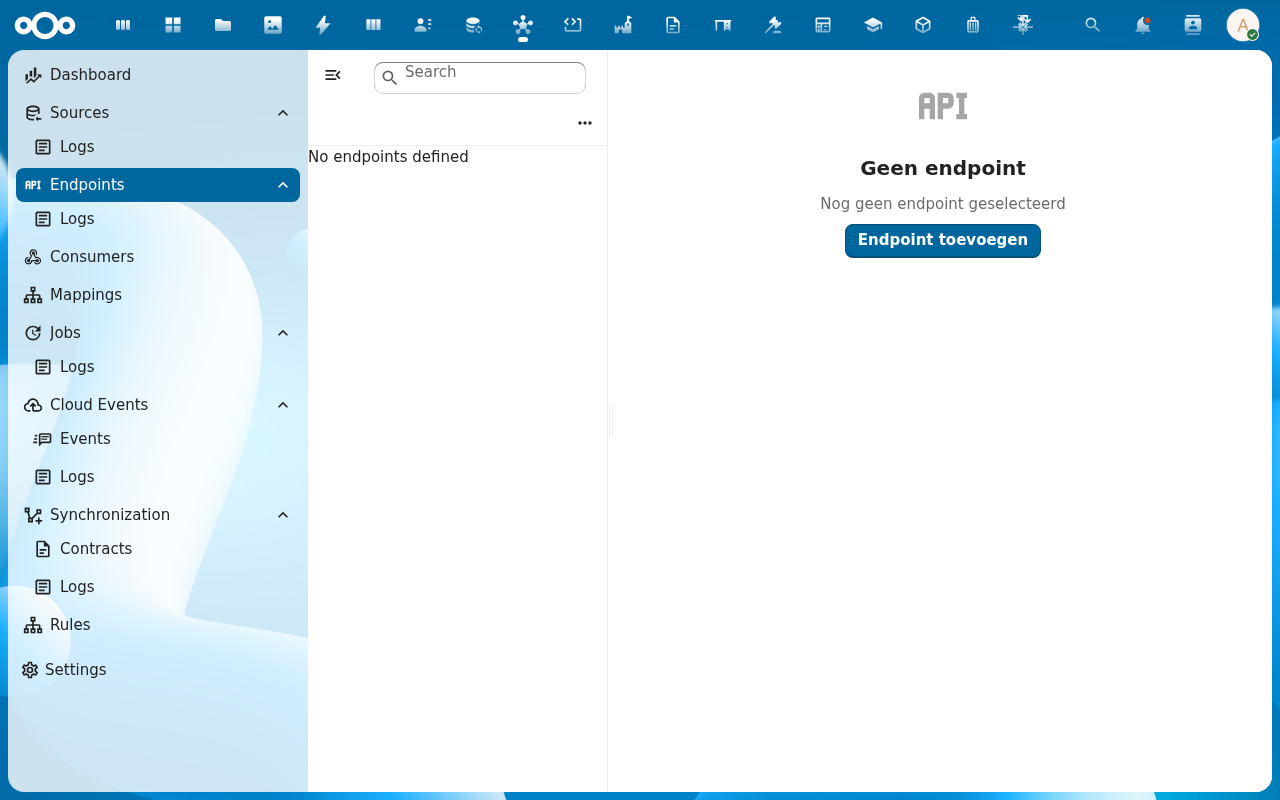
From the navigation, click Endpoints and then Add Endpoint.
-
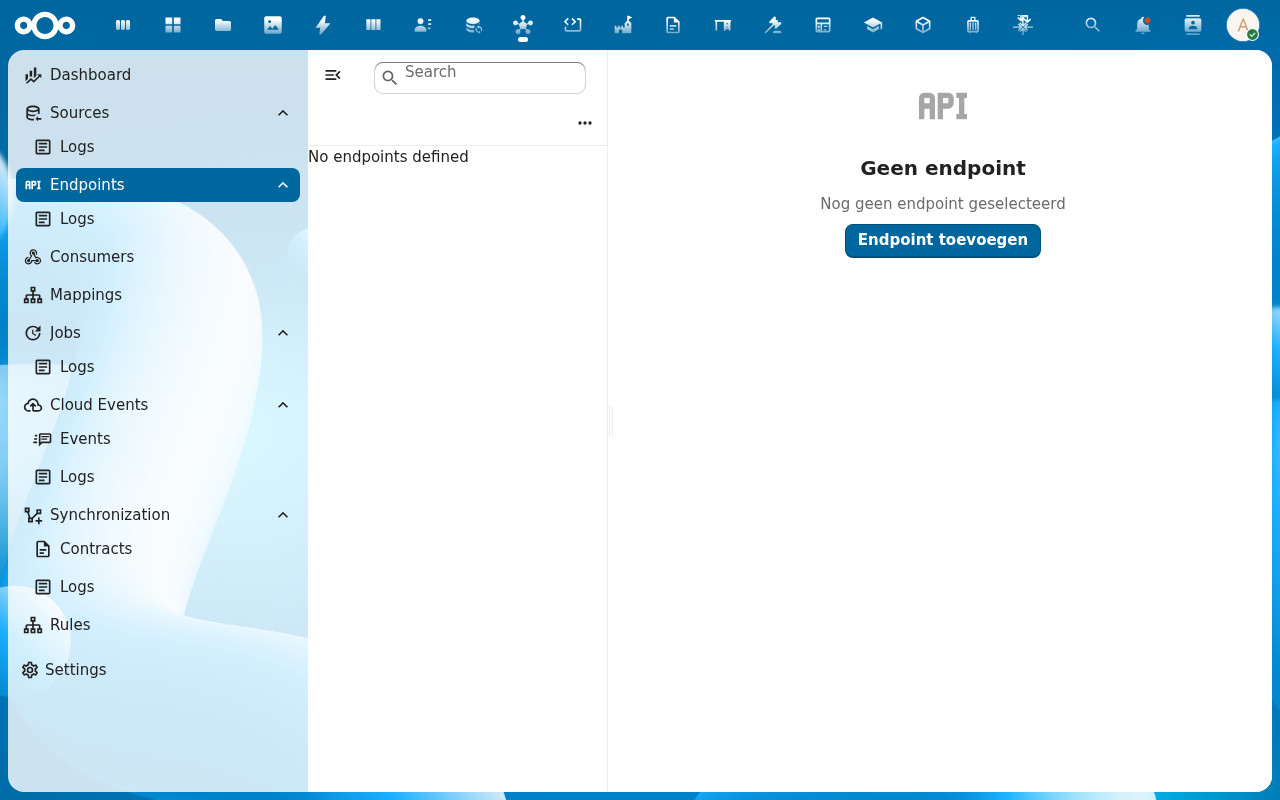
Fill in the path, method, and the Target section: pick register/schema to publish OpenRegister data directly, or proxy to forward to a Source. Save.
-
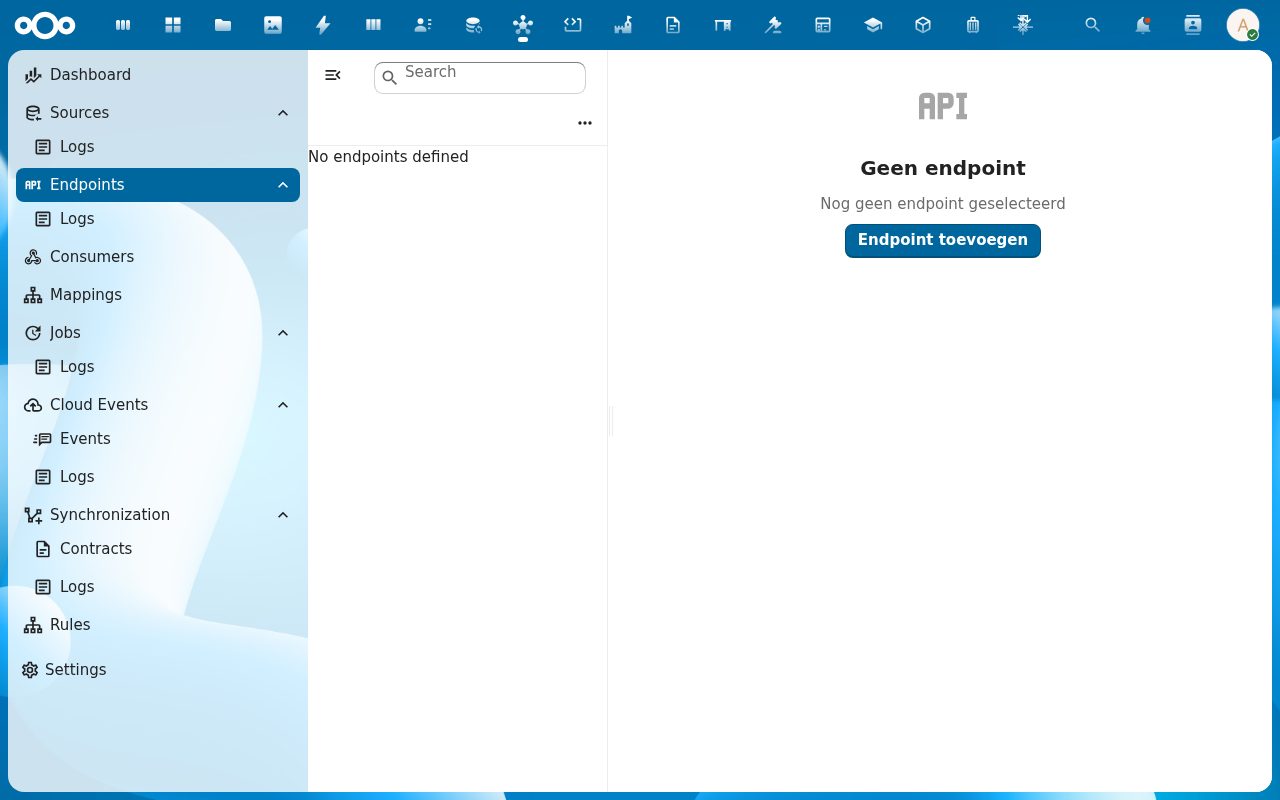
On the endpoint detail page, attach an optional Request mapping (reshape the incoming body before it's used) and a Response mapping (reshape the outgoing body). Both are optional — leave empty to pass data through unchanged.
-
Open the Test action: enter a query (e.g.
?_limit=5), run it, and review the response. The same call is recorded in the Endpoint Logs for later audit.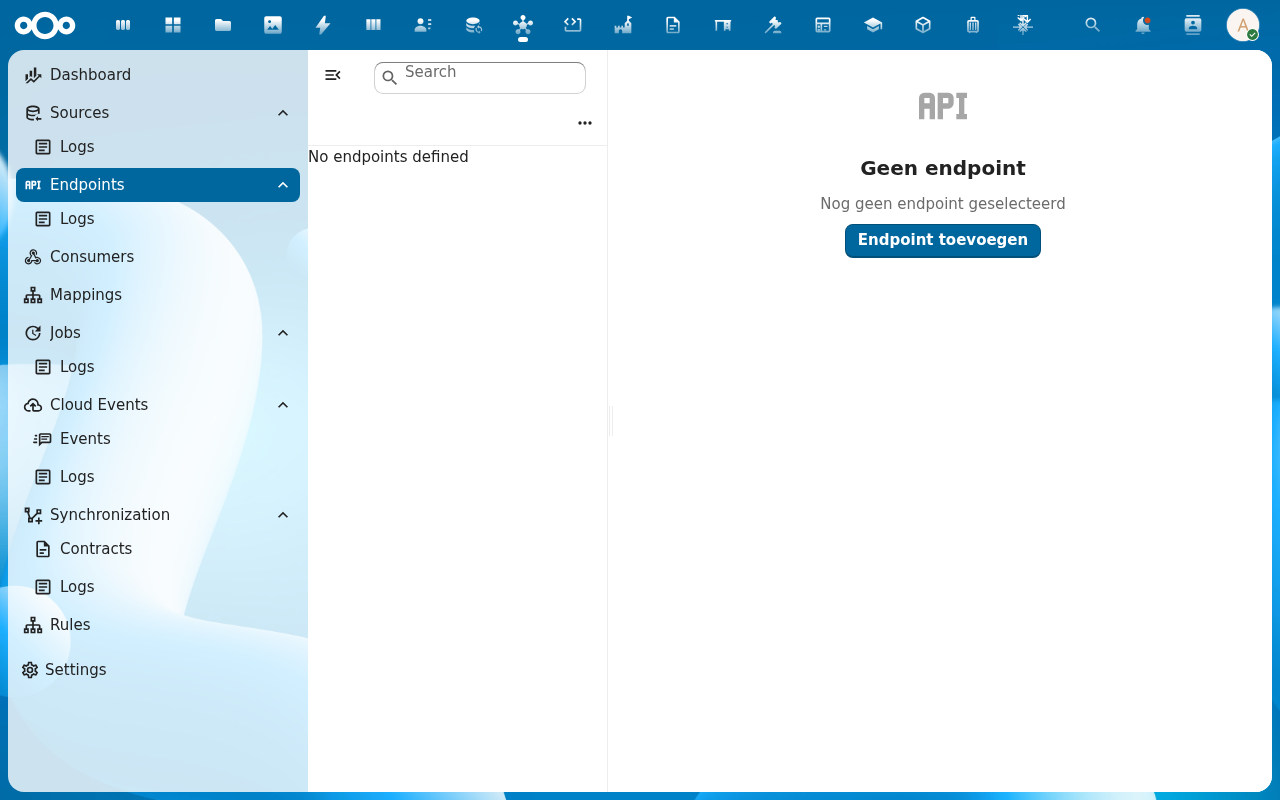
-
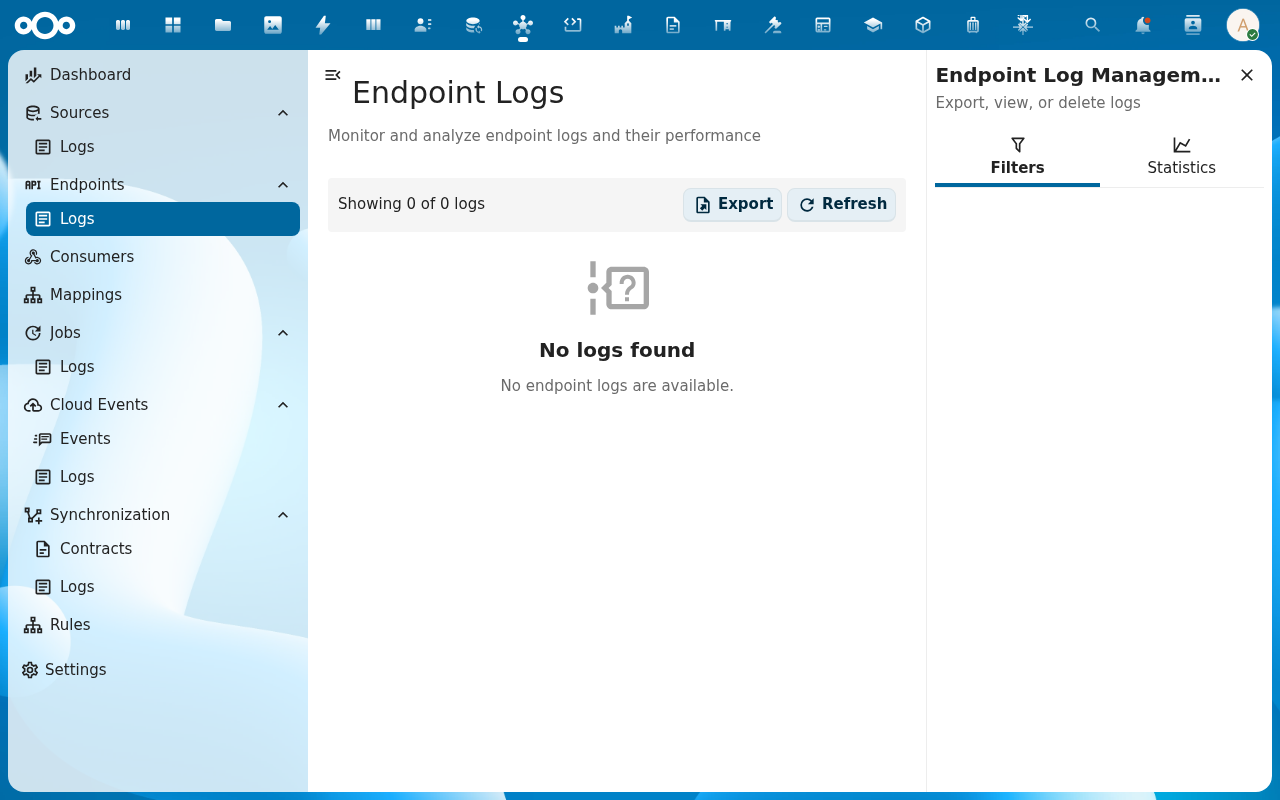
From the Logs sub-entry under Endpoints, click any log row to inspect the full request and response — headers, body, status, timing.
Verification
You are done when: a call to the endpoint URL returns the expected status code, the response body matches what the configured target / mappings produce, and the call appears in Endpoint Logs with matching status and timing.
Common issues
| Symptom | Fix |
|---|---|
External call returns 404 Not Found | The endpoint path collides with another Integriq or Nextcloud route — try a deeper path (e.g. /api/v1/zaken instead of /zaken). |
External call returns 403 even with a valid token | The endpoint rules reject the caller — open the endpoint's Rules tab and check which rule fired. |
| Response body is wrapped in OpenRegister metadata you don't want | Attach a Response mapping that picks only the public fields, or use the endpoint's response shape options to flatten the envelope. |
Reference
- Endpoints feature — full reference for the endpoint engine.
- Rules feature — how to enforce auth, rate limits and shaping rules at the endpoint level.